For operations teams

Every process done the same way, because someone recorded it once

Stepwright turns the way your best operator actually works into a numbered, screenshotted guide — capturing the judgement calls, not just the clicks.

Free plan, no credit card. Works on Windows and in the browser.

The same process is done three different ways by three different people, and nobody can say which one is correct.

Process knowledge lives in a senior operator's head, so quality drops the week they're away.

Writing up a process takes an afternoon nobody has, so it never gets written and the team keeps asking.

When a tool or a step changes, every document mentioning it silently goes stale and people quietly stop trusting the lot.

How Stepwright handles it end to end.

Stepwright documents operations processes by recording them as they are performed. Your operator runs the task once while Stepwright captures the screen and their spoken reasoning, then builds a numbered guide with a screenshot and written instruction for each step. Because updating means recording only what changed, the process library stays accurate instead of going stale.

01 /04

Record the process the way it is actually done

Have the person who does it best run through it once while Stepwright records the screen and their voice. No script, no staging, no separate writing session — the documentation is a by-product of doing the work.
02 /04

Capture the judgement, not just the clicks

Ops processes are full of conditionals: which supplier to use, when to escalate, what to check before approving. Say those out loud as you work and they land in the guide as step context, so the written procedure carries the reasoning a screenshot alone would lose.

Recording Purchasing · Approvals

Purchase order

PO-2291 · Packaging

£24,600.00

Supplier On approved list Lead time 12 days Last price paid £23,100.00
Second quote Required
A spoken note captured with the recording: “Check the lead time against the production date.”

03 /04

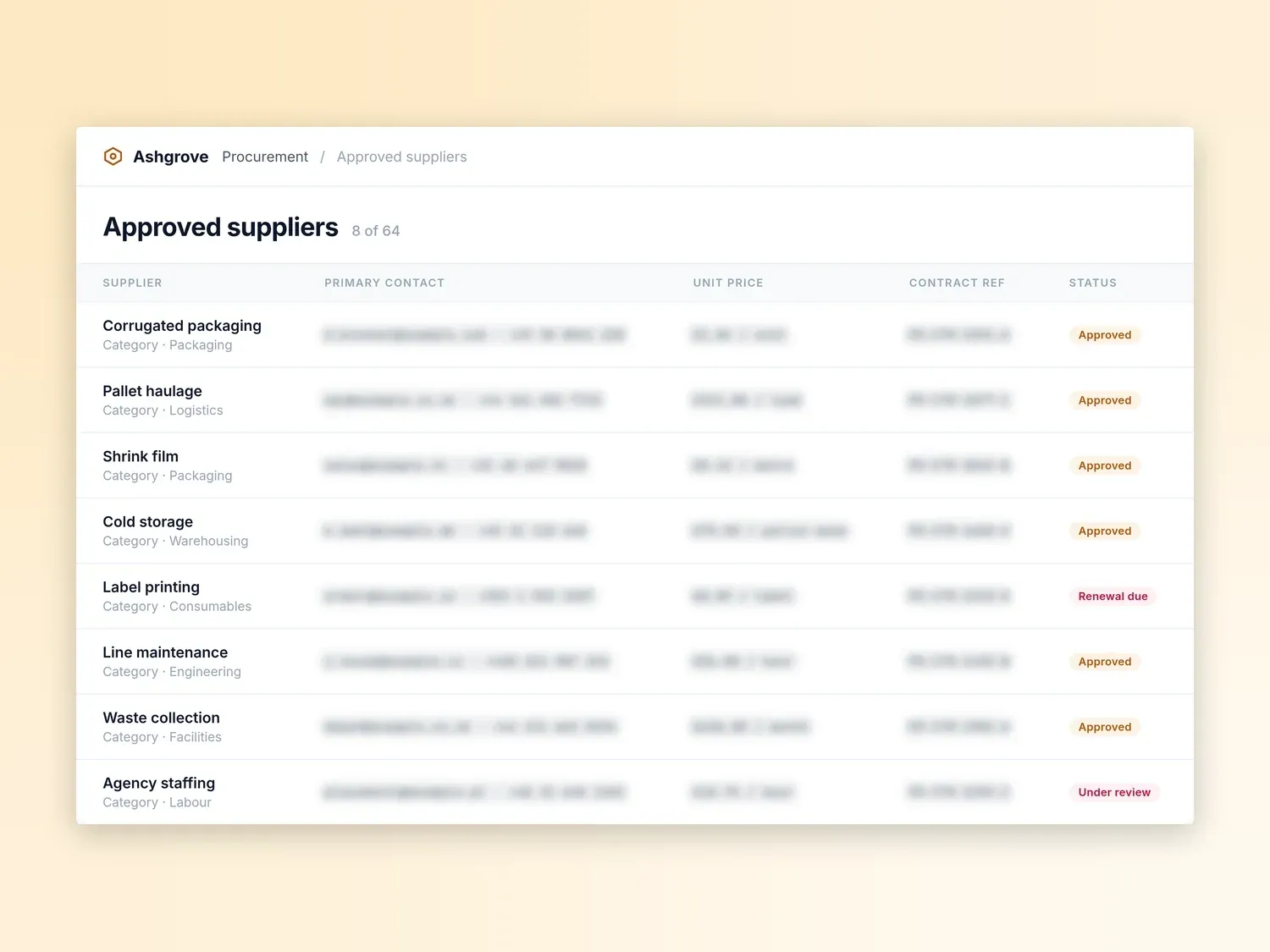
Redact commercial terms before it goes wider

Guides are private by default. On paid tiers, redact supplier pricing, contract references, and contact details in the screenshots, so the one correct version of a process can reach a new site or a new starter without the commercial terms it was performed on. Export to PDF, HTML, or Markdown if your processes live in an existing wiki.

Stepwright: redact commercial terms before it goes wider

Redacted before sharing

24 fields

  • Supplier contacts
  • Unit prices
  • Contract refs

04 /04

Update by showing what changed

When a supplier portal or an internal tool changes, record just the steps that are different and Stepwright updates that part of the guide — no hunting through a document for the paragraphs that are now wrong. Cheap updates are what keep a process library trustworthy.

Stepwright: update by showing what changed

What your team gets out of it.

One correct way, visible to everyone

A screenshotted, narrated guide settles the 'how do we actually do this' argument, so the same task produces the same result whoever runs it.

Documentation that costs an afternoon, not a quarter

Recording a process takes as long as the process itself. A backlog nobody had time to write becomes something you can clear in a week.

New starters ramp without shadowing

A guide someone can follow alone replaces the week of sitting next to a colleague, and frees your experienced operators to do their own work.

Covers the tools operations actually run on

Native Windows recording captures desktop clients, supplier portals, and internal admin panels alike — not only what happens in a browser tab.

Safe to hand outside the team

Guides are private by default and encrypted in transit and at rest, with redaction on paid tiers to strip customer or commercial details before a process leaves your team.

A library that stays current

Because updating means showing the change rather than rewriting, processes get corrected when they change instead of drifting until nobody believes them.

Frequently asked questions.

How is this different from writing SOPs in a document?

The work is the writing. You run the process once while Stepwright records your screen and voice, and it produces a numbered guide with a screenshot per step. There is no blank page and no separate documentation session, which is usually the reason process libraries never get finished.

Can it document processes that run in desktop software, not a browser?

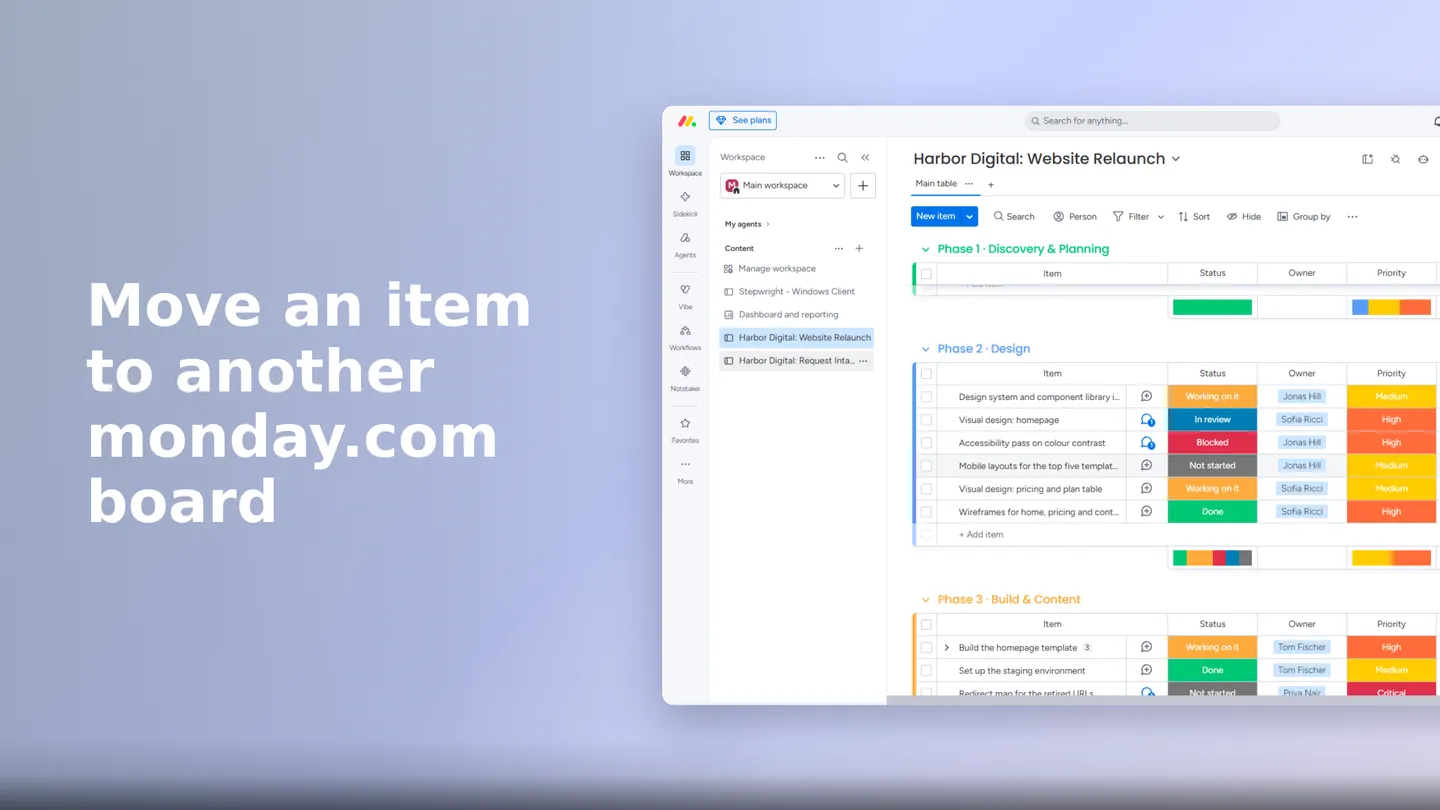
Yes. Stepwright is a native Windows desktop recorder, so it captures desktop clients, remote sessions, and internal admin tools the same way it captures web apps. There is also a browser extension for teams working purely in the browser, including on Mac.

What happens when a process changes?

Record the part that changed. Stepwright updates those steps and leaves the rest of the guide — including anything you edited by hand — as it was. That is deliberately cheaper than editing a written document, because the cost of updating is what decides whether documentation stays accurate.

Can the whole team read the guides without paying for every person?

On the Teams plan, yes — it starts with five editors and fifty free viewers, and both can be topped up. Viewers can read and follow guides without an editor seat, so the people running a process do not each need a paid licence to author.

Stop running operations documentation from memory

Record one process and watch it become a shareable step-by-step guide. No writing, and the free plan needs no credit card.