For IT & operations teams

Runbooks and IT procedures, captured by recording the work, not writing it up later

Stepwright is a native Windows recorder, so it documents the consoles, RDP sessions, and legacy admin tools browser extensions can't reach — turning each procedure into a screenshotted, narrated runbook.

Free plan, no credit card. Works on Windows and in the browser.

Runbooks live in one admin's head, so when they're on holiday a routine task becomes an emergency.

The procedures that do exist are walls of text with no screenshots — nobody can tell which button in the console they actually mean.

Half your work happens in desktop tools, RDP sessions, and legacy admin panels that browser-based capture tools can't see.

Documentation goes stale after every console redesign or config change, so people stop trusting it and ping the one person who knows.

How Stepwright handles it end to end.

Stepwright documents IT procedures by recording them on the real systems — desktop consoles, RDP sessions, admin panels, and legacy apps — and building a numbered runbook with a screenshot and written instruction for every step. Your spoken narration becomes step context, sensitive data can be redacted, and you update it in minutes by recording only what a console change affected.

01 /04

Record the procedure on the real systems

Run through the task in Stepwright — Active Directory, your RMM, a hypervisor console, an internal admin panel, or a legacy line-of-business app. Because it's a native Windows desktop recorder, it captures desktop tools and web consoles alike, not just what lives in a browser tab.

02 /04

Narrate the decisions, not just the clicks

Talk through the checks and gotchas as you work — 'confirm the backup completed before you touch this' — and Stepwright turns your voice into step context. Add hostnames, tool names, and acronyms to your custom vocabulary so they transcribe cleanly instead of coming out as noise.

Recording Infrastructure · Runbook

Failover

eu-central-1 · primary node

Standby ready

Last backup 18 minutes ago Replication lag 0.4s Open sessions 37
Change window Required
A spoken note captured with the recording: “Replication lag has to be under a second.”

03 /04

Redact secrets before the runbook leaves your team

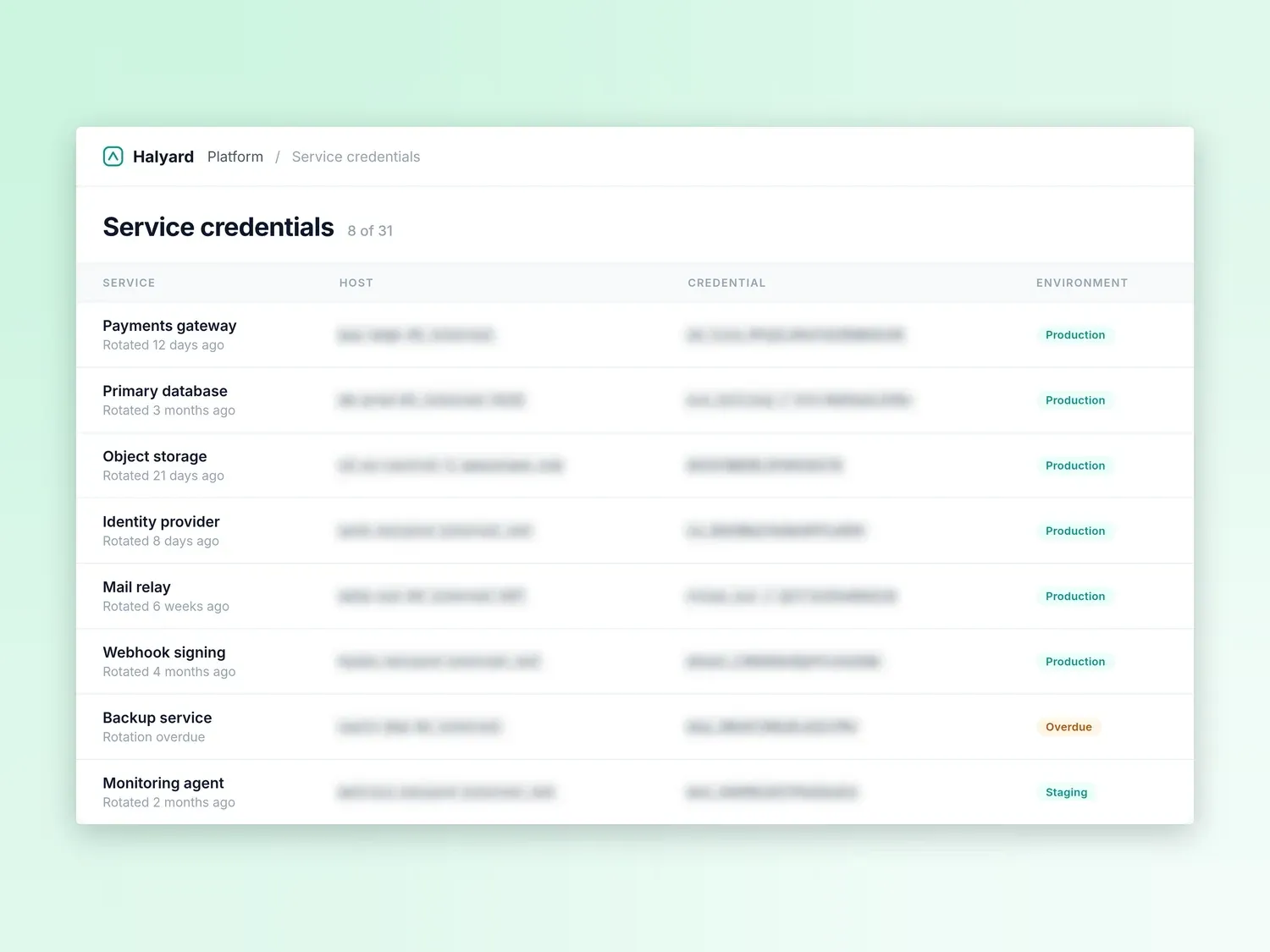
Guides are private by default. On paid tiers, redact hostnames, API keys, connection strings, and customer records in the screenshots, so a runbook can go to a contractor, an auditor, or the wider team without the credentials it was performed with travelling alongside it.

Stepwright: redact secrets before the runbook leaves your team

Redacted before sharing

16 fields

  • Hostnames
  • API keys
  • Connection strings

04 /04

Keep it current by showing what changed

When a console changes, record just the steps that are different and the runbook updates in minutes. Export to PDF, HTML, or Markdown for your wiki, ticket, or knowledge base. Procedures stay trustworthy instead of drifting out of date.

Stepwright: keep it current by showing what changed

What your team gets out of it.

Reduce single points of failure

Procedures leave people's heads and become guides the whole team can run — so one admin's day off doesn't turn a routine task into an incident.

Covers desktop and legacy tools

Native Windows recording captures RDP sessions, hypervisor consoles, and old admin panels that browser-extension tools can't reach.

Screenshots that remove ambiguity

Every step shows exactly which control was used, so 'click the settings gear' is never guesswork in a crowded console.

Jargon transcribed correctly

Custom vocabulary means hostnames, product names, and acronyms land right in the written steps instead of being mangled by generic transcription.

Safe to share

Private by default and encrypted in transit and at rest, with redaction on paid tiers to strip secrets and customer data before a runbook leaves your team.

Runbooks that stay accurate

Showing what changed in minutes after a console update keeps documentation trustworthy — the reason people actually use it instead of pinging you.

Frequently asked questions.

Can Stepwright document desktop and legacy IT tools, not just web apps?

Yes — that's a core reason IT teams use it. Stepwright is a native Windows desktop recorder, so it captures desktop clients, RDP sessions, hypervisor and admin consoles, and legacy line-of-business apps the same way it captures browser-based tools. Browser-extension capture tools can't see most of those.

How do I keep secrets and customer data out of a runbook?

Guides are private by default and encrypted in transit and at rest. On paid tiers you can redact sensitive details — tokens, passwords, customer data — in the screenshots before you share the runbook.

Will hostnames, tool names, and acronyms transcribe correctly?

Yes. Add them to the custom vocabulary in settings and Stepwright transcribes your spoken narration accurately, so IT-specific terms appear correctly in the written steps rather than being garbled.

Can I put the runbooks in our existing wiki or ticketing system?

Yes. Export any guide to PDF, HTML, or Markdown and paste or embed it into your knowledge base, wiki, or a ticket. Stepwright captures and maintains the procedure; your existing system stays the home for it.

Stop running IT process documentation from memory

Record one process and watch it become a shareable step-by-step guide. No writing, and the free plan needs no credit card.