Video generation

Fix the guide. The video is already fixed.

Every guide you make is also a narrated video that nobody films. When the process changes you edit the guide the way you always would, and the video comes back matching it. Download it as an MP4 or drop it into the page your team already reads.

Included in Pro and Teams, with a 14-day trial.

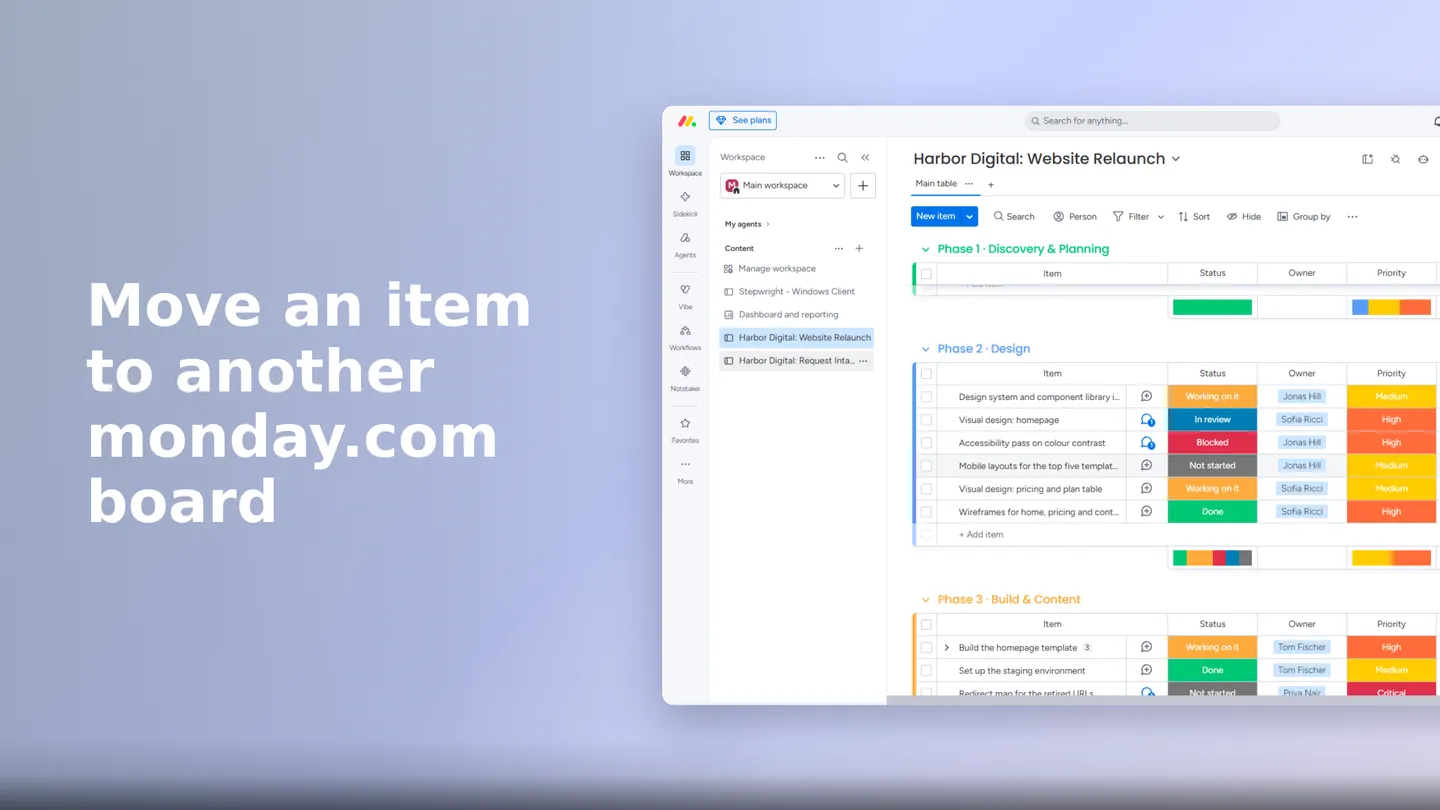
Opening frame of a narrated Stepwright video titled “Move an item to another monday.com board”, over a screenshot of a monday.com project board.

How video generation works.

Nobody records it. Every Stepwright guide is also a narrated video: when the process changes you edit the guide the way you always would, and the video comes back matching. There is no second file to re-cut and nothing to keep in step by hand. Watch it in Stepwright, download it as an MP4, or embed it in a wiki page.

01 / 05

Record the process once, the way you already do

Nothing about recording changes. Run the process on your screen with the Windows recorder or the browser extension, and you get your step-by-step guide. You don’t decide beforehand whether this one is worth a video.

02 / 05

The video is already there

Open the guide and it is on it: narrated, with each step on the screen that step happens on and the button it talks about picked out. Nothing to request, nothing to set up.

03 / 05

Choose a voice once, and the language follows the guide

Pick one of six voices for your organisation, all of them reading the same 19 narration languages, and play each before you decide. Publish the guide in another language and that language gets its own video, read by the same voice in a version made for it. Publishing in other languages is part of Teams.

04 / 05

When the process changes, change the guide. That is the whole update

A button moves, a step gets added, someone spots a mistake. You edit the guide the way you always would, and the video comes back matching it on the same link. No file to re-cut, no clean take to get right.

05 / 05

Put it where your team already is

Watch it in Stepwright, download it as an MP4 for anywhere that needs a file, or put it on the page your team already reads: Notion takes the video link, Confluence takes the iframe snippet, and both show the player inline. Add a language months later and it appears on a page nobody went back to re-paste.

Why it matters.

One thing to keep current, not two.

You will never open a video editor

No timeline, no takes, no export, no waiting for a render on your own machine. The only thing you ever edit is the guide.

One source, two formats

A written procedure and a screencast drift apart the first time one of them is corrected. Here there is no separate screencast to fall behind.

A correction costs a sentence

Re-recording a screencast means finding the time, getting a clean run, and doing it again when you fluff a line. Fixing the step that was wrong is enough.

Reading is not everyone’s way in

The same procedure becomes something to watch as well as something to read, and you are not maintaining two documents to offer both.

It lives where your team already looks

An embed puts the video on the Notion or Confluence page your team opens anyway. An MP4 covers the places that need a file: an LMS, a message to a supplier.

It speaks the language the guide is written in

A German guide is read in German by the same voice, in a version made for German, rather than an English voice working its way through German words.

No, and there is nothing extra to record. The video comes from the guide you already made by running the process once. If you have a guide in Stepwright, you have its video.

Pro and Teams. Every guide gets a video in its own language. Videos in other languages follow guide translation, which is part of Teams, so Pro gets one video per guide and Teams gets one per language the guide is published in.

It is regenerated to match, and you do nothing. The link and any embeds stay the same, so nobody has to update a page. The same happens when a guide is translated or its voice is changed. This is the part worth having: a screencast cannot be edited, so in practice it is never corrected and quietly goes out of date.

Yes. An owner or admin picks one of six voices for the organisation, and a single guide can be set to a different one without changing the default for everything else. Every voice can be played before you decide. The same voice reads every language it speaks.

Judge for yourself: play the sample at the top of this page. It is a synthetic voice and we do not claim otherwise. What we chose carefully is which one: each language is read by a version of that voice made for that language, rather than an English voice working its way through German or French words.

Nineteen: English, Spanish, French, German, Italian, Portuguese, Dutch, Polish, Russian, Czech, Swedish, Chinese, Japanese, Korean, Arabic, Hindi, Thai, Turkish and Hebrew. A guide can be published in 28 languages; the other nine — Ukrainian, Romanian, Danish, Finnish, Norwegian, Vietnamese, Indonesian, Malay and Greek — get the video with captions and no narration.

Yes. Notion takes the video link and Confluence takes the iframe snippet; both show the player inline. The embed is reachable by anyone who has its link, with no sign-in, and it is a separate link from the guide page: you can turn one off and leave the other working.

Yes, as an MP4 in 1080p — 1920 by 1080 at 30 frames a second — with one file per language the guide is published in.

Try it on one of your own processes.

Record something you would otherwise explain on a call, and see what comes out. The free plan needs no card.