For support & customer success teams

Answer it properly once, then send that answer to everyone who asks next

Record yourself resolving a ticket and Stepwright turns it into a screenshotted walkthrough you can send to a customer or publish in your help centre — no manual screenshots, no retyping.

Free plan, no credit card. Works on Windows and in the browser.

Your team answers the same handful of questions every week, writing the steps out longhand in a ticket each time.

Screenshots get pasted into replies one at a time, cropped and annotated by hand, for a walkthrough that will be needed again tomorrow.

The help centre article is out of date because updating it means someone re-taking every screenshot.

Answers that only live in closed tickets are invisible to the next agent, so newer staff escalate things that were solved months ago.

How Stepwright handles it end to end.

Stepwright turns a support resolution into reusable documentation by recording it. An agent solves the problem once while Stepwright captures the screen and their spoken explanation, then builds a numbered guide with a screenshot per step. Customer data can be redacted before sharing, and guides export to PDF, HTML, or Markdown for an existing help centre.

01 /04

Solve it once, on the real product

The next time a question comes in, record yourself resolving it. Stepwright captures your screen and your voice, so a fix you were going to perform anyway becomes a reusable answer at no extra cost.

02 /04

Explain the why while you work

Say the caveats out loud — which plan this applies to, what to check first, when to escalate instead. Your narration becomes step context, so the guide answers the follow-up question the customer was about to ask.

Recording Support · Refunds

Refund request

Ticket #48219 · Pro plan

£129.00

Plan Pro · annual Charged 14 days ago Reason given Duplicate charge
Tier 2 approval Required
A spoken note captured with the recording: “Anything on an annual plan goes to Tier 2.”

03 /04

Remove anything customer-specific

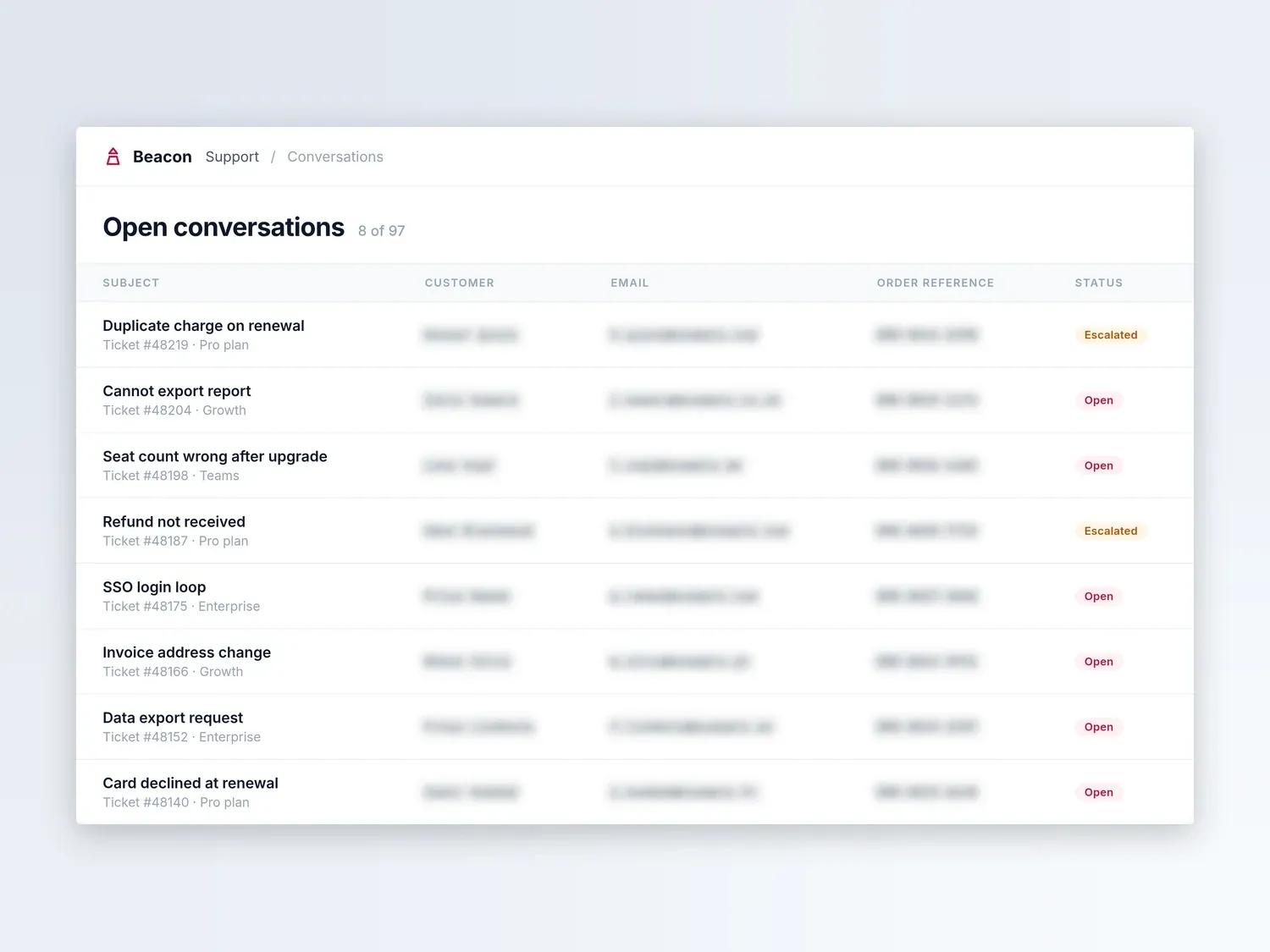
Guides are private by default. On paid tiers, redact account numbers, email addresses, and other customer data in the screenshots before the guide goes anywhere near an external reader.

Stepwright: remove anything customer-specific

Redacted before sharing

24 fields

  • Customer names
  • Email addresses
  • Order references

04 /04

Send it, or publish it

Share the guide with a link, or export to PDF, HTML, or Markdown to drop into your help centre or knowledge base. When the product UI changes, record just the screens that moved rather than re-shooting every screenshot by hand.

Share guide
How to add a new account
5 steps · Updated just now
stepwright.com/g/add-new-account
Copied
Shared with
SC
Sarah Chen Author
JM
Jake Miller Can view
AL
Amy Liu Can view

What your team gets out of it.

Answer once, reuse forever

The walkthrough you would have typed into a ticket becomes a guide you can send to the next twenty people who ask the same thing.

No manual screenshotting

Every step gets its own screenshot with the click target highlighted automatically, instead of an agent cropping and annotating images by hand.

Fewer escalations

Recorded resolutions turn one agent's knowledge into something the whole team can follow, so newer staff stop escalating problems that were already solved.

Customer data stays out of it

Private by default, encrypted in transit and at rest, with redaction on paid tiers so account details never travel with a guide you send outward.

Help content that survives a redesign

Re-record only the screens a UI change touched, and keeping support content current stops being a project.

Readers do not need seats

The Teams plan starts with fifty free viewers alongside five editors, so guides can reach a wide audience without buying everyone an authoring licence.

Frequently asked questions.

Can I send a Stepwright guide to a customer?

Yes. Guides are private by default and you choose who can see each one, so sharing is a deliberate act rather than the default. Before sending anything externally, use redaction on a paid tier to blur account numbers, names, and other customer data in the screenshots.

Does this replace our help centre?

It does not have to. Export any guide to PDF, HTML, or Markdown and publish it inside the help centre or knowledge base you already run. Stepwright's job is producing and maintaining the walkthrough; where it lives is up to you.

Our support team is on Mac. Does that work?

For workflows that happen in the browser, yes — the Stepwright browser extension works on Mac. The full desktop recorder, which also captures native applications and remote sessions, is Windows only today.

How many people can read the guides we create?

The Teams plan starts with five editors and fifty free viewers, and both can be topped up. Editors record and publish guides; viewers read and follow them without needing a paid authoring seat, which is usually the right split for a support team with a wider audience.

Stop running customer support documentation from memory

Record one process and watch it become a shareable step-by-step guide. No writing, and the free plan needs no credit card.